Start with a design you can edit
Choose from 20 built-in designs: ten for birthdays and ten for parties. Open a template from the Templates tab to edit its text and image layers.
Put the person or milestone first for a birthday, or lead with the event title and atmosphere for a party. Replace the sample details with your own, then check that the date, time, and location are easy to find.
Match the layout to the occasion
Look at what the design emphasizes. A large headline can help a local event stand out, while a separate date-and-time area keeps the practical details easy to find. Use the Community Market direction to compare how imagery and event information share the page.
Open the composer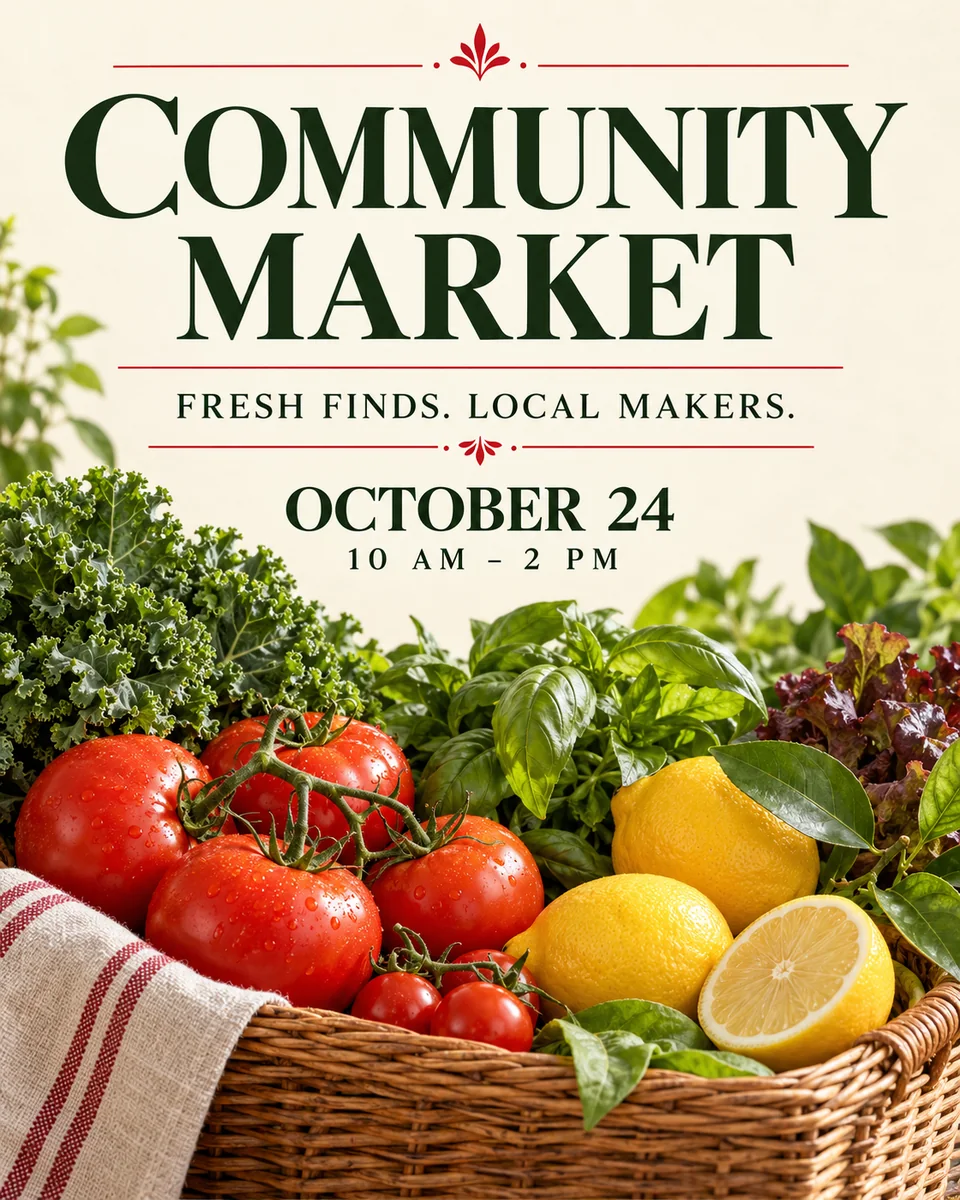
Leave room for the details that matter
An elegant design still needs enough space for your actual wording. Compare short and long event names, then check that the date and location do not disappear beneath a decorative headline. The Form & Color direction gives the title and date their own clear areas.
Open the composer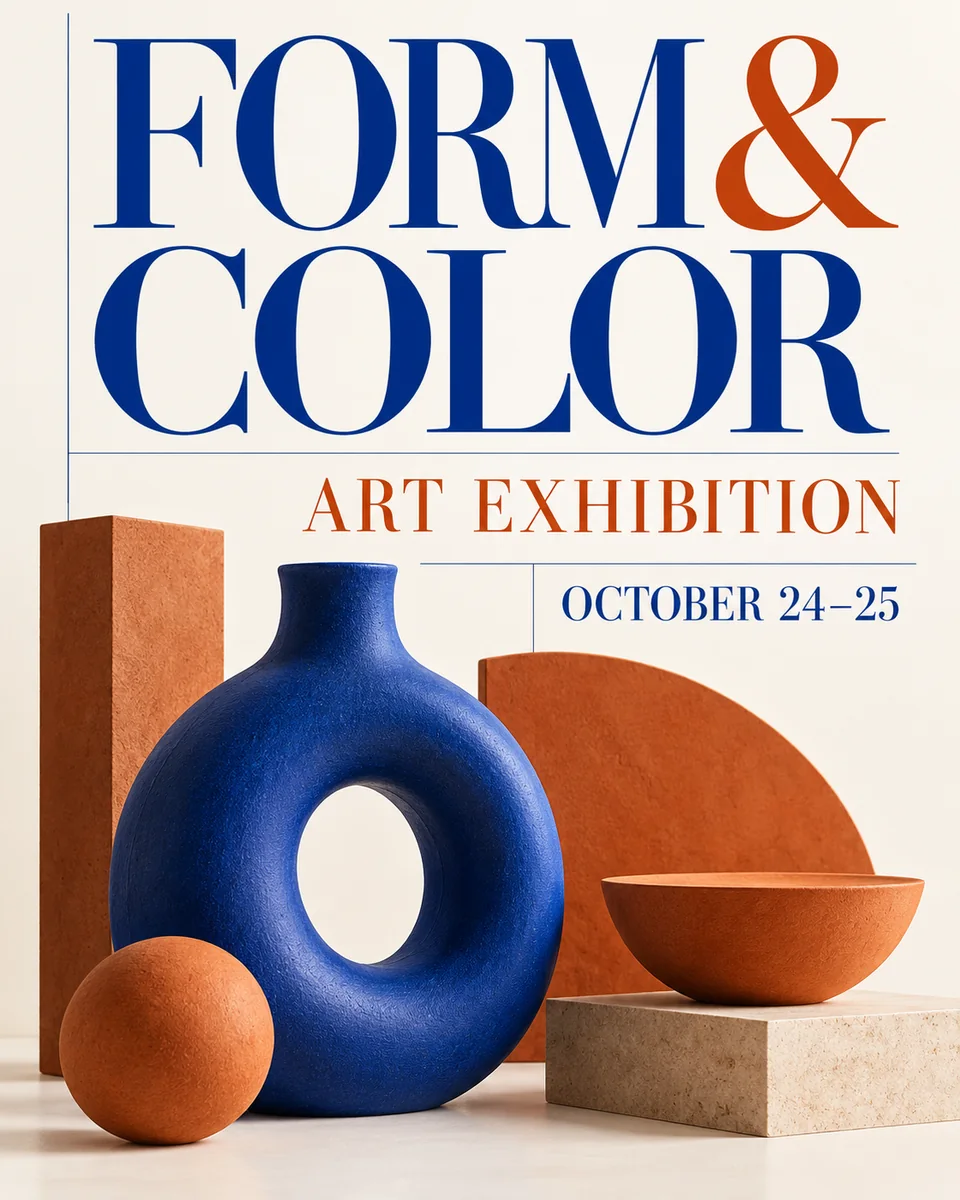
Personalize the text and images
Change the wording, font, and text style for your event. Move or resize image layers, replace an image, or hide a decoration to give your message more room. You can also group or delete image layers.
Open the composer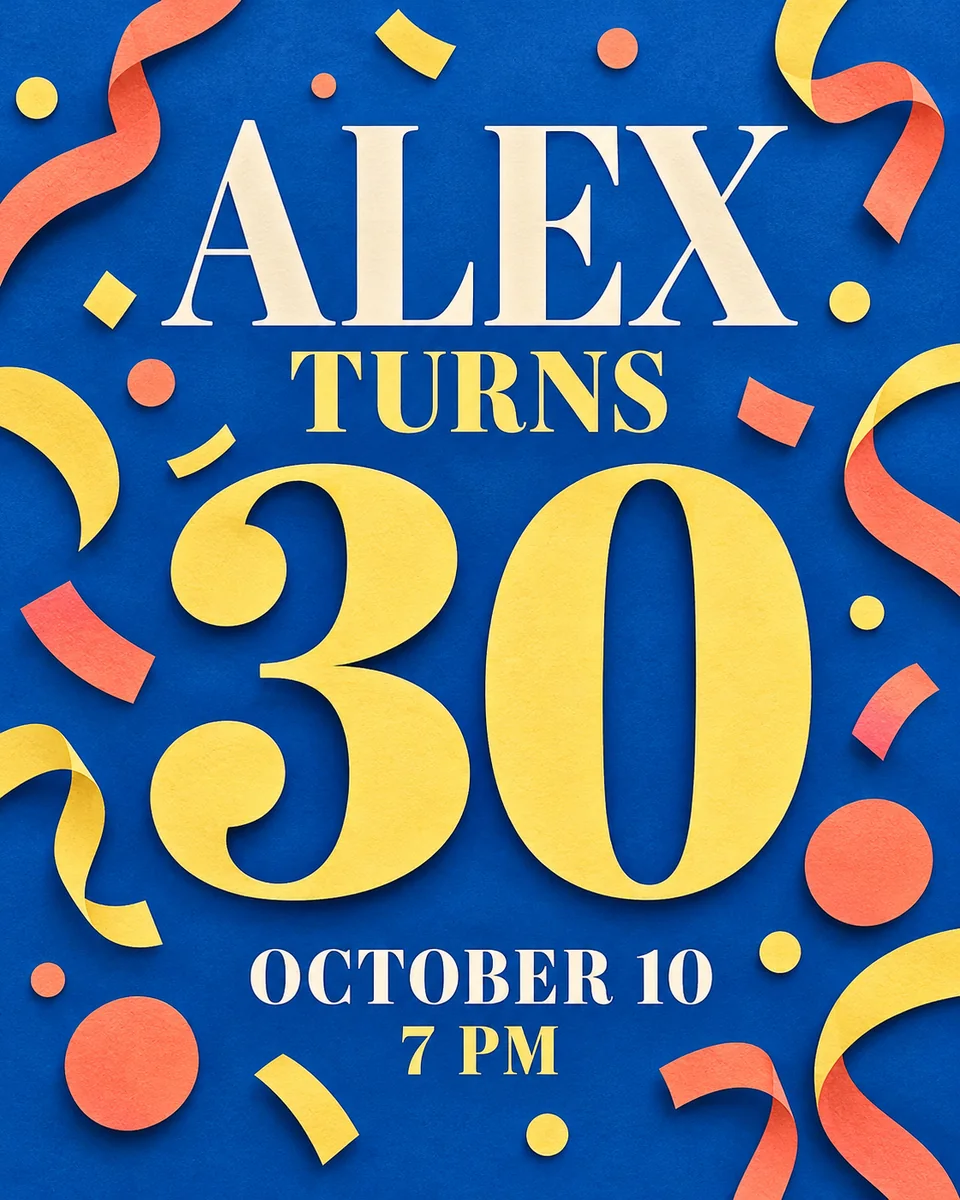
Make the design your own
Edit the content, adjust the layers, and keep the finished design.
Edit the wording
Change the text, font, and style to suit your event. Check longer names and dates after editing.
Arrange image layers
Move, resize, hide, group, delete, or replace image layers to adjust the composition.
Undo a change
Use Undo to reverse an edit while you try different arrangements.
Save and export
Save the design to your account and export a PNG or JPEG when it is ready.
From template to finished flyer
Open a design, edit it for your event, and export the finished flyer.
Open and personalize
- 01
Choose a template
Open the Templates tab and choose a birthday or party design to open it in the editor.
- 02
Add your event details
Replace the sample text with your title, date, time, and location. Choose the font and text style that fit your message.
- 03
Adjust the images
Move or resize image layers, replace an image with your own, or hide a decoration you do not need.
Review and download
- 01
Check the key details
Read your title, date, time, and location for accuracy. Check that longer text fits and the main message is easy to find.
- 02
Refine the layout
Review the balance of text and images. Use Undo if a change does not work, then check the composition again.
- 03
Save and export
Save the design to your account, then export the finished flyer as a PNG or JPEG.
Different events need different visual priorities
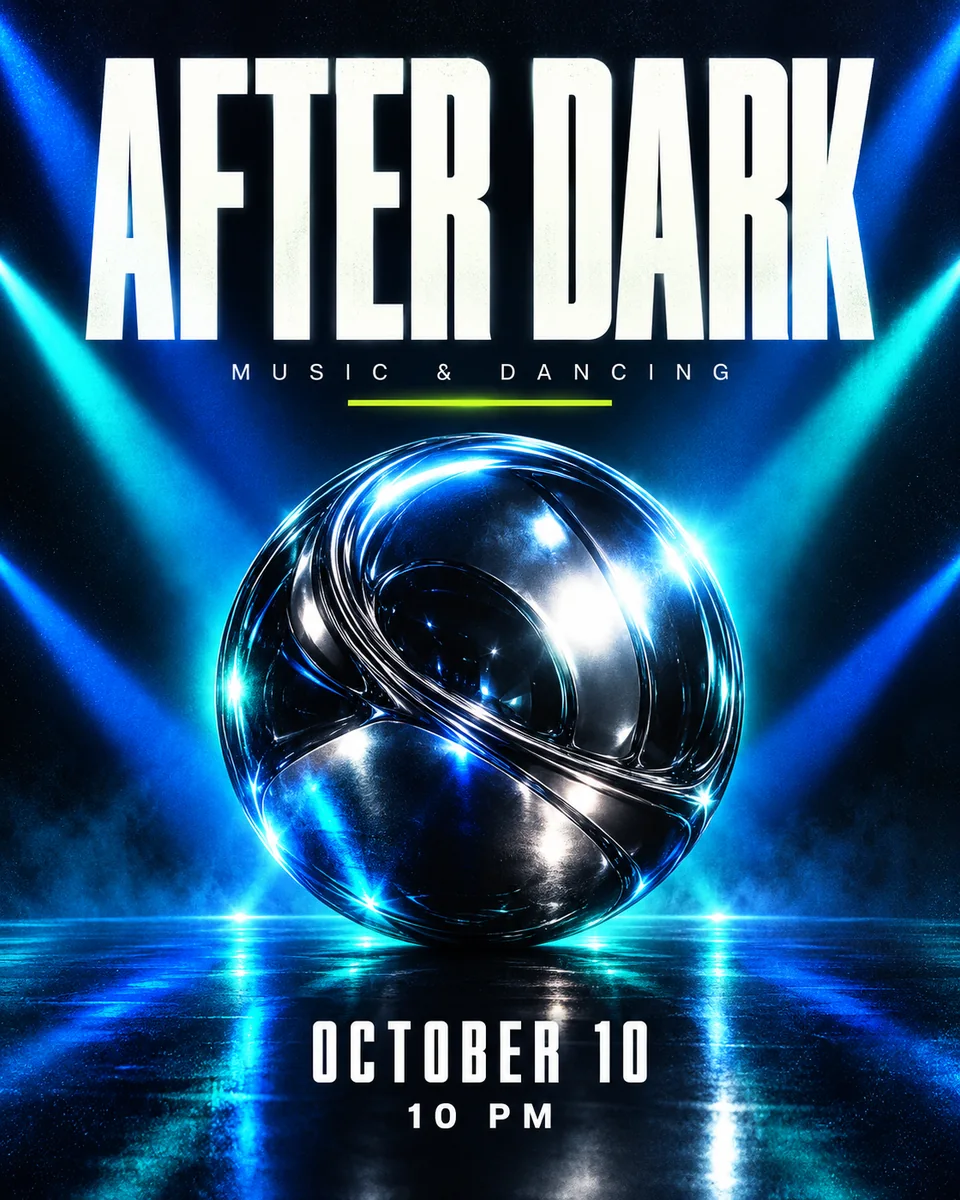
Compare the balance of headline, image, and supporting details across these directions. A design can feel festive, relaxed, or editorial without making the event information harder to find.
Choosing and editing a design
What should I look for in a flyer template?
Look for a clear headline, readable supporting text, and room for your actual event details. A striking image is useful only if the date, time, and location remain easy to find.
Should I choose a birthday or a party layout?
Choose a birthday layout when the person, name, or milestone is the main message. Choose a party layout when the event theme, music, or schedule should lead. You can still use a festive visual style in either case.
What information should I prepare before personalizing a flyer?
Prepare the title, date, time, and any location you want to publish. Add the organizer, offer, or contact information only if it helps someone decide what to do next. In the editor, replace the sample wording and choose the font and text style for your event.
Does every flyer need a photo?
No. A type-led layout can work well for a short announcement. You can hide or delete image layers, or replace an image with a photo you have permission to use.
Can I start with my own idea instead of a template?
Yes. Open AI Flyer Generator and describe the flyer you have in mind. Include the occasion, visual direction, and event facts you want the design to use.